Gameplay guide
Amber Bay: After Hours
Choose exploration or a mission first
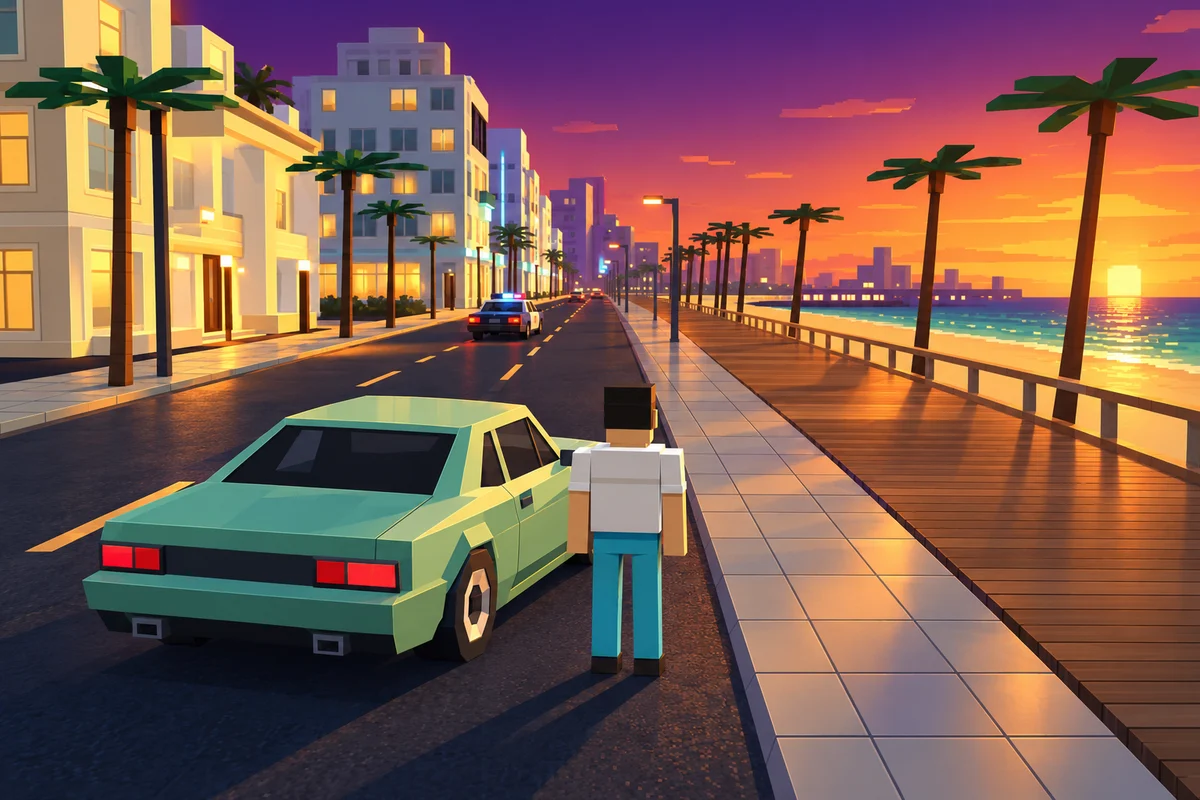
Amber Bay: After Hours places driving, races, deliveries and police heat in a coastal city. Before chasing a result, learn a small route between recognisable waterfront landmarks. Exploration and a timed objective ask for different decisions: an unfamiliar turn can be an interesting detour in free driving but a costly mistake during a delivery. Read the selected mission and its on-screen controls before leaving the start.
When turning in traffic, leave enough room to recover from contact. A faster car is not automatically easier to place on a narrow street. Try a short familiar route in another vehicle before using it for a mission. Police pressure changes how useful a predictable route is, so watch the immediate road as well as the destination.
What changed in this adaptation
This is a local adaptation of the Apache-2.0 project Neon Mayhem. Browser Games changed the teal-and-amber palette, vehicle styling, original waterfront cover and locally generated environment surfaces. The existing world and core missions are retained. These are specific adaptation credits, not a claim that the whole underlying game was made here.
Progress and photo data are browser-local. Use the game’s own save/import/export controls where available before clearing site storage. The game interface is English even on translated portal pages. Desktop visual checks do not establish performance on every phone; lower the practical workload or try a desktop browser if a long drive becomes unstable.
Game language: en / zh / es / fr / nl / pl / tr