Gameplay guide
KEYLINE
Choose the right way to play
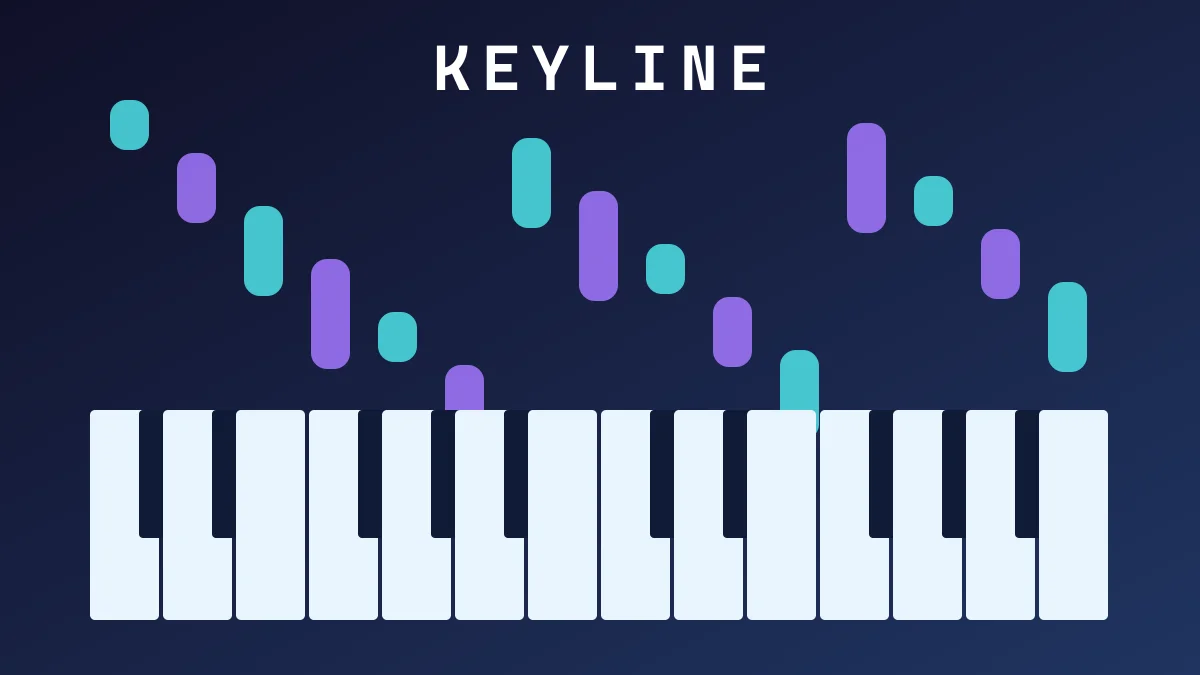
KEYLINE is a piano rhythm game with Quick Play, World Tour and Practice. The portal is translated, but the game interface is English. That distinction matters: changing the site language does not translate the song menus or device prompts. Use the computer-keyboard demo to understand the falling-note display before deciding whether to connect a piano. The demo and a full MIDI instrument offer different ranges and are not interchangeable tests of piano technique.
Web MIDI needs HTTPS and a browser that supports the API. A compatible Chromium browser is the documented starting point; an ordinary touchscreen alone is not a MIDI instrument. Connect and power the keyboard before choosing it in the connection screen. Read the permission result and the last-note indicator. If the device does not appear, check the cable, operating-system connection and browser permission before changing game settings.
A practical first-session route
Start with the short introduction. First match the displayed notes without trying to complete an assessment or unlock everything in the tour. Then repeat a manageable passage in Practice. Follow the falling notes and listen to the result together: reacting to the bottom of the screen alone can make every input late. A short passage that you can repeat consistently gives clearer feedback than a long sequence that fails for several different reasons.
Calibration, the full assessment and piano menu mapping are optional. Change one setting at a time and replay the same passage before judging the result. Wireless audio and an external instrument can add different delays; this guide does not claim a measured latency for your hardware. If the device reconnects during a song, the game pauses until you deliberately resume, so check the connection before restarting the passage.
Progress, limits and music credits
Profiles, settings and tour progress live in this browser through IndexedDB, with a localStorage fallback. They do not follow you to a second computer or a private window. Clearing site data can remove them. The supported save namespace is independent of the public page language, so changing the portal language should not be treated as creating a new profile.
KEYLINE is an MIT-licensed integration, not a claim that Browser Games composed every track. Music sources are recorded with the game. A keyboard demo can be checked automatically, but real MIDI input still needs a physical instrument test. If you report an issue, include the browser, keyboard model, connection method, selected mode and whether the last-note indicator responded; do not include account credentials.
Game language: en